









How to play DIGIMON ALYSION
The rules
How you win
Each player starts with a security stack of 5 cards. Attacking the opponent makes them check the top card of theirs.
Once their security stack is at 0, one more successful attack on the player wins the game. A player who has to draw from an empty deck loses.
The memory gauge
Both players share one memory gauge that starts at 0. Every cost you pay (playing a card, digivolving, using an Option) moves it toward your opponent by that amount.
When it passes 0 onto their side, your turn ends and theirs begins with that much memory. Passing your turn sets the gauge to 3 on their side.
A turn, phase by phase
Unsuspend phase: all of your suspended cards stand up again.
Draw phase: draw 1 card. The player who goes first skips this on their first turn.
Breeding phase: hatch the top card of your Digi-Egg deck into your empty breeding area, move a Digimon with DP from the breeding area to the battle area, or do nothing. Digimon in the breeding area can digivolve, but their effects don't activate there.
Main phase: play Digimon and Tamers, digivolve, use Option cards, activate effects and attack, until the memory gauge passes to your opponent.
Digivolving
Pay a card's digivolve cost to place it on top of a Digimon that meets one of its conditions (a colour and a level). The Digimon underneath becomes a digivolution card, and its inherited effect keeps working.
Every digivolution draws you 1 card, and When Digivolving effects activate.
Attacking and battles
Only unsuspended Digimon can attack, and attacking suspends them. A Digimon played this turn can't attack until your next turn.
You can attack the opponent's security stack or one of their suspended Digimon; unsuspended Digimon can't be attacked.
In a battle the higher DP wins and the loser is deleted to the trash. A Security Digimon revealed by a security check battles the attacker and goes to the trash afterwards; if the attacker loses or ties, it's deleted too.
Card types
Digimon fight. Tamers stay in play for their effects and can't attack or block. Option cards are used once and need a card of their colour in your area (the colour requirement).
Digi-Egg cards go in the separate Digi-Egg deck and hatch in the breeding area.
Cards with a Security effect activate when revealed in a security check, often playing themselves for free.
Deck rules
- The main deck is exactly 50 Digimon, Tamer and Option cards; the Digi-Egg deck holds 0 to 5 Digi-Egg cards.
- Each card number can appear up to 4 times across both decks, whatever its print.
- Restricted to 1 copy: Argomon (BT2-047) and Hidden Potential Discovered! (BT3-103).
Try a list in the deck builder, which checks these rules as you add cards.
Keywords
32- <Security Attack +1>
- This Digimon checks 1 additional security card.
- <Security Attack +2>
- This Digimon checks 2 additional security cards.
- <Security Attack -1>
- This Digimon checks 1 fewer security card.
- <Security Attack -2>
- This Digimon checks 2 fewer security cards.
- <Security Attack -3>
- This Digimon checks 3 fewer security cards.
- <Draw 1>
- Draw 1 card from your deck.
- <Draw 2>
- Draw 2 cards from your deck.
- <Draw 3>
- Draw 3 cards from your deck.
- <Jamming>
- This Digimon can't be deleted in battles against Security Digimon.
- <Piercing>
- When this Digimon attacks and deletes an opponent's Digimon and survives the battle, it performs any security checks it normally would.
- <Rush>
- This Digimon can attack the turn it comes into play.
- <Blocker>
- When an opponent's Digimon attacks, you may suspend this Digimon to force the opponent to attack it instead.
- <Digisorption -2>
- When one of your Digimon digivolves into this card from your hand, you may suspend 1 of your Digimon to reduce the memory cost of the digivolution by 2.
- <Digisorption -3>
- When one of your Digimon digivolves into this card from your hand, you may suspend 1 of your Digimon to reduce the memory cost of the digivolution by 3.
- <Recovery +1 (Deck)>
- Place the top card of your deck on top of your security stack.
- <Recovery +2 (Deck)>
- Place the top 2 cards of your deck on top of your security stack.
- <Reboot>
- Unsuspend this Digimon during your opponent's unsuspend phase.
- <De-Digivolve 1>
- Trash a card from the top of one of your opponent's Digimon. If it has no digivolution cards, or becomes a level 3 Digimon, you can't trash any more cards.
- <De-Digivolve 2>
- Trash up to 2 cards from the top of one of your opponent's Digimon. If it has no digivolution cards, or becomes a level 3 Digimon, you can't trash any more cards.
- <De-Digivolve 3>
- Trash up to 3 cards from the top of one of your opponent's Digimon. If it has no digivolution cards, or becomes a level 3 Digimon, you can't trash any more cards.
- <De-Digivolve 4>
- Trash up to 4 cards from the top of one of your opponent's Digimon. If it has no digivolution cards, or becomes a level 3 Digimon, you can't trash any more cards.
- <Retaliation>
- When this Digimon is deleted after losing a battle, delete the Digimon it was battling.
- <Digi-Burst 1>
- Trash 1 of this Digimon's digivolution cards to activate the effect below.
- <Digi-Burst 2>
- Trash 2 of this Digimon's digivolution cards to activate the effect below.
- <Digi-Burst 3>
- Trash 3 of this Digimon's digivolution cards to activate the effect below.
- <Digi-Burst 4>
- Trash 4 of this Digimon's digivolution cards to activate the effect below.
- <Blitz>
- This Digimon can attack when your opponent has 1 or more memory.
- <Delay>
- Trash this card in your battle area to activate the effect below. You can't activate this effect the turn this card enters play.
- <Digi-Burst>
- Trash X of this Digimon's digivolution cards to activate the effect below.
- <Digisorption>
- When one of your Digimon digivolves into this card from your hand, you may suspend 1 of your Digimon to reduce the memory cost of the digivolution by X.
- <Decoy (Black)>
- When one of your other black Digimon would be deleted by an opponent's effect, you may delete this Digimon to prevent that deletion.
- <Decoy (Black/White)>
- When one of your other black or white Digimon would be deleted by an opponent's effect, you may delete this Digimon to prevent that deletion.
The game's help screens
How to obtain cards
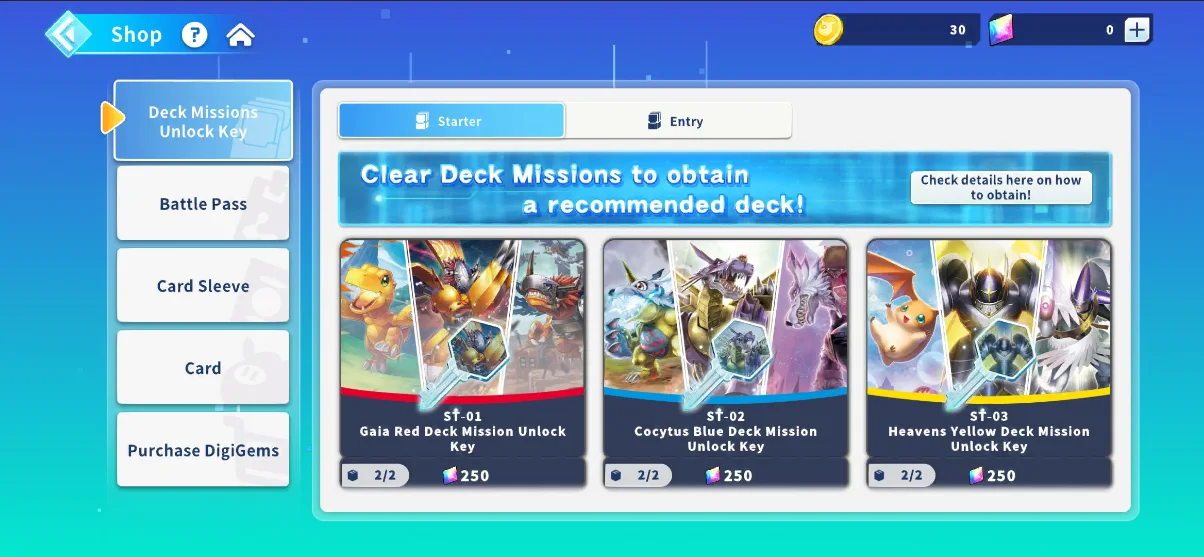
Cards can be obtained from the Shop, card packs, and by disassembling or fusing cards. Shop: Use DigiGems and Coins to purchase card products such as promotional cards at the Shop.
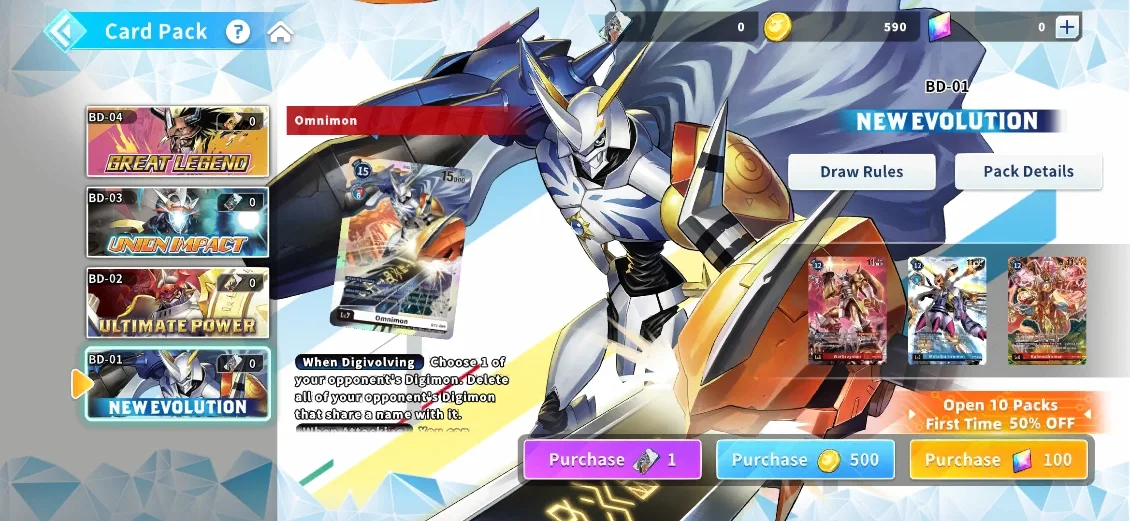
Card Packs: On the Card Pack screen, you can see the content of each card pack, card rarities, and drop rates. Use DigiGems or Pack Tickets to open card packs and obtain cards.
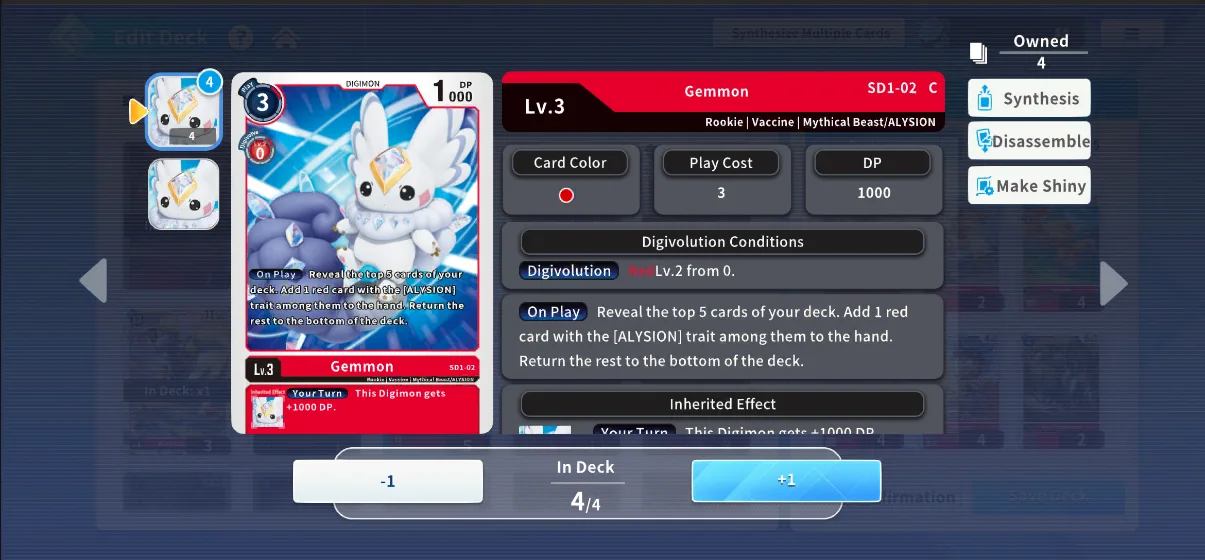
Disassembly and Synthesis: You can obtain CP by disassembling any surplus cards, and then use those chips to synthesize the cards you want.
How to play
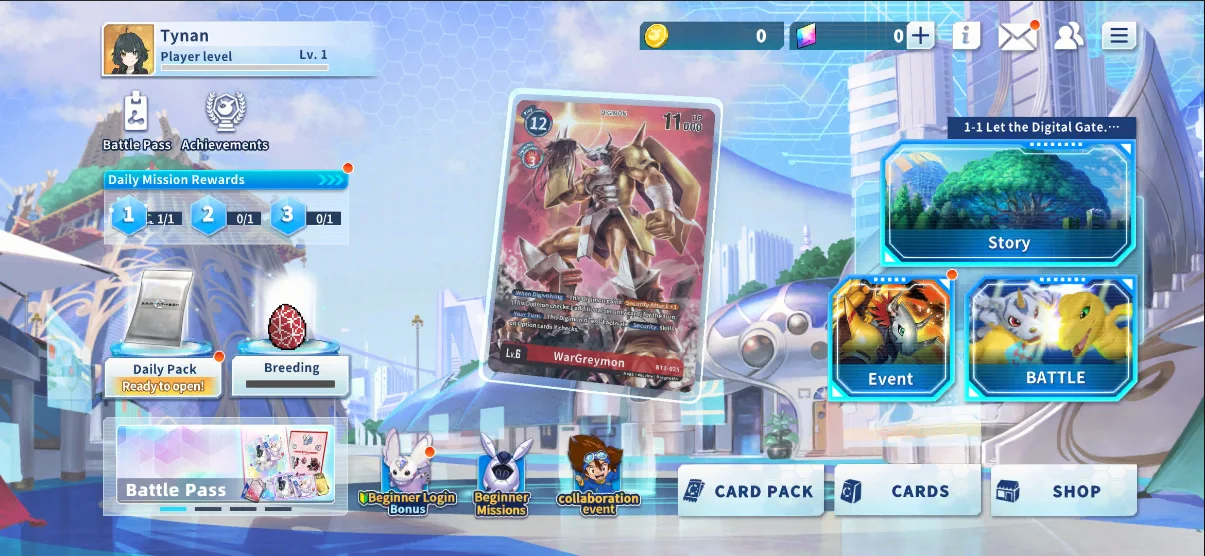
There are many ways to enjoy DIGIMON ALYSION. You can explore the game's story and immerse yourself in the adventures of Kanata and Futre in Lacuna, battle against other players, or engage in private battles with your friends. Choose your preferred method, and explore the game on your own terms!
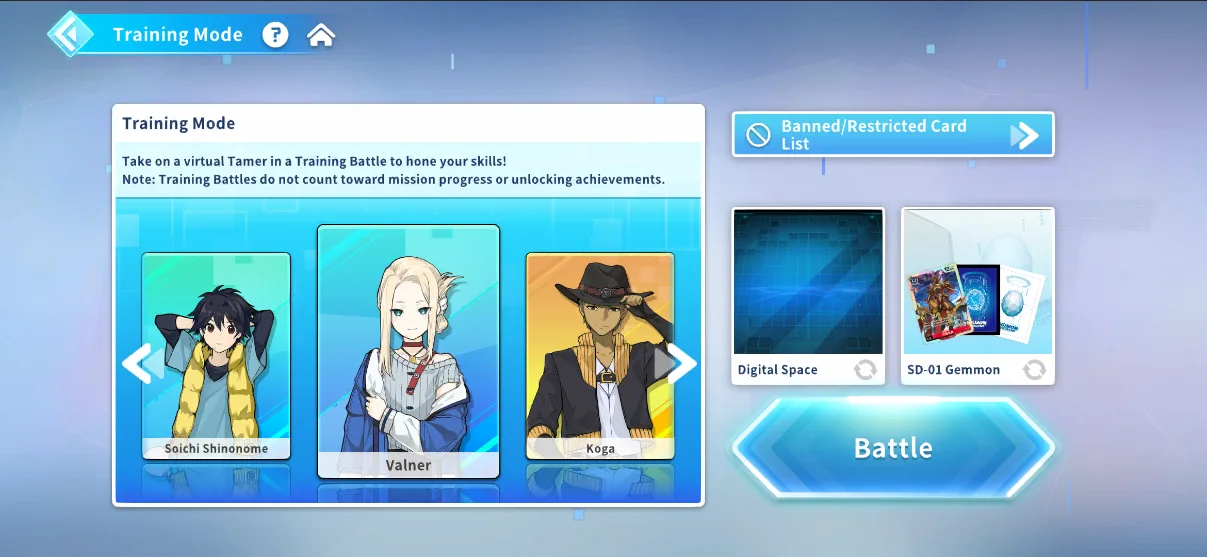
Training Mode
In Training Mode, you can battle against a preset AI. Each AI has a different style and uses a fixed deck. If you want to test a certain deck, try it out against an AI first!
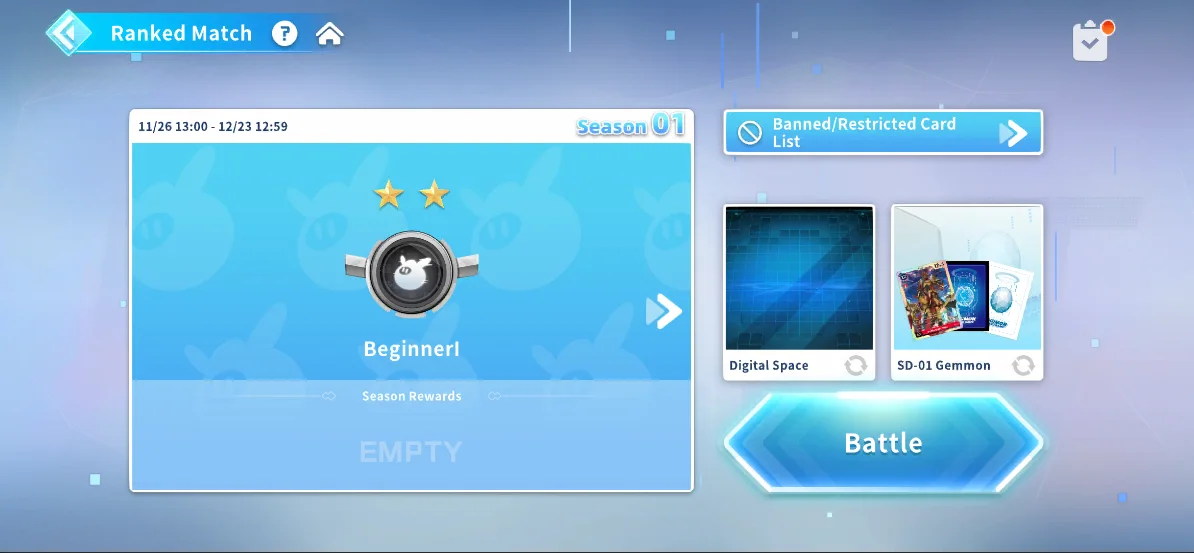
Free Match/Ranked Match Modes
In Random Match and Ranked Match modes, you can battle against other players. In Ranked Match Mode, the results of battle influence your rank, while in Random Match Mode, you can battle freely. Choose your preferred method to enjoy the game!
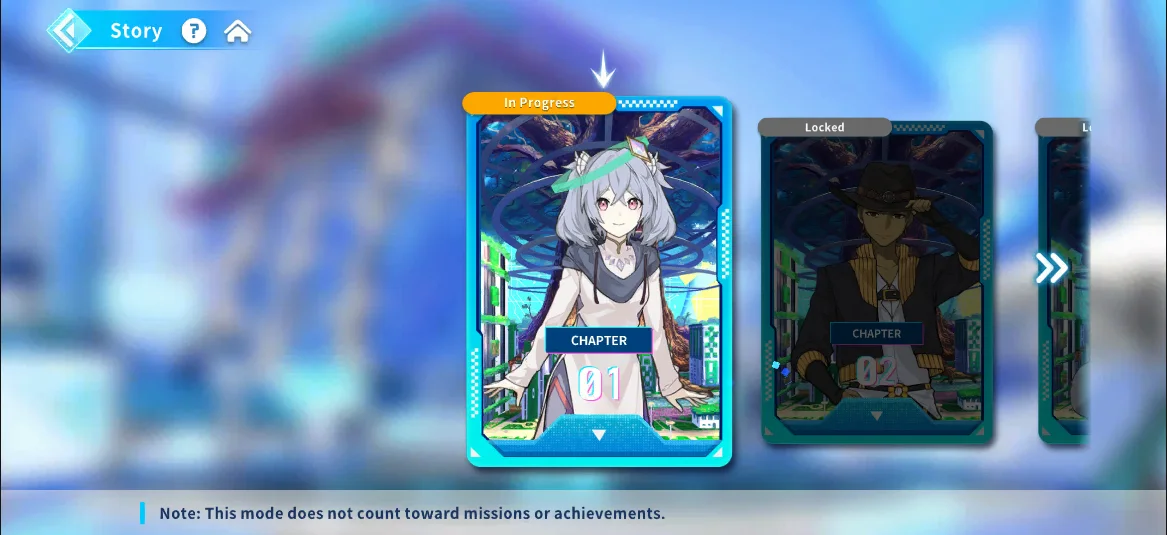
Story Mode
Earn clear rewards including cards and Coins. Mission types where progress is counted: Daily Missions Deck Missions
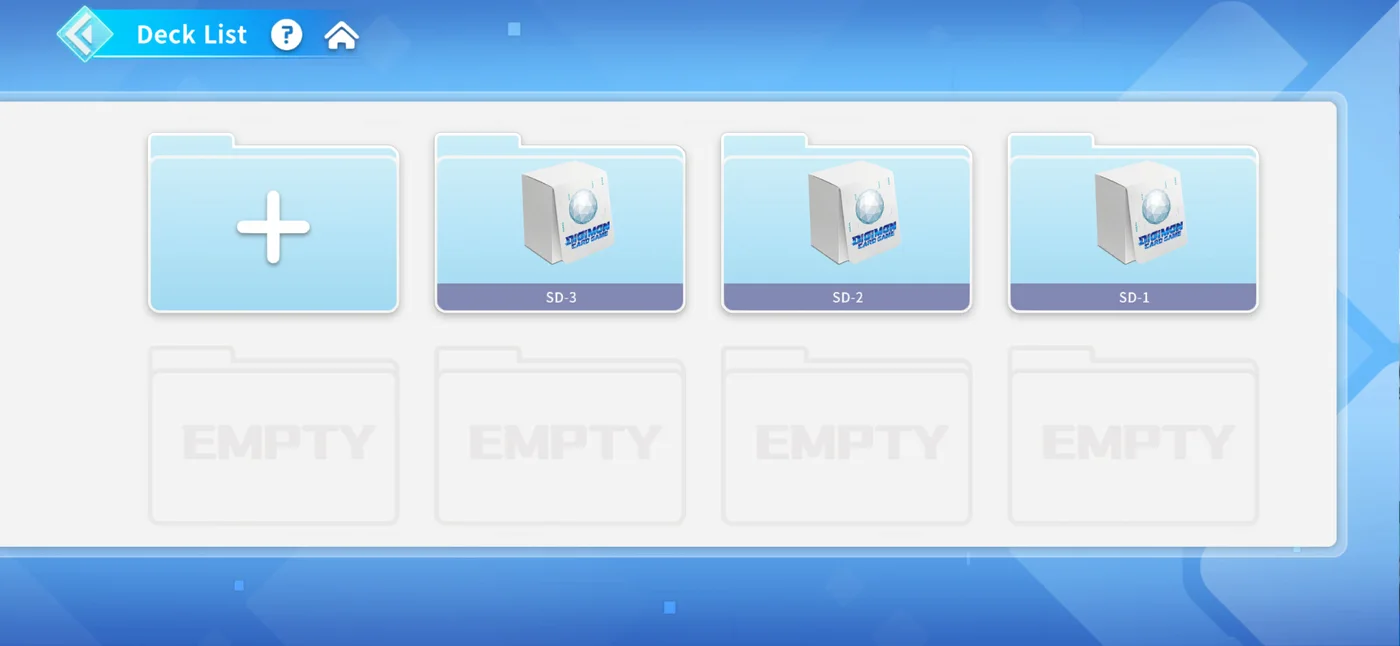
Confirming Decks
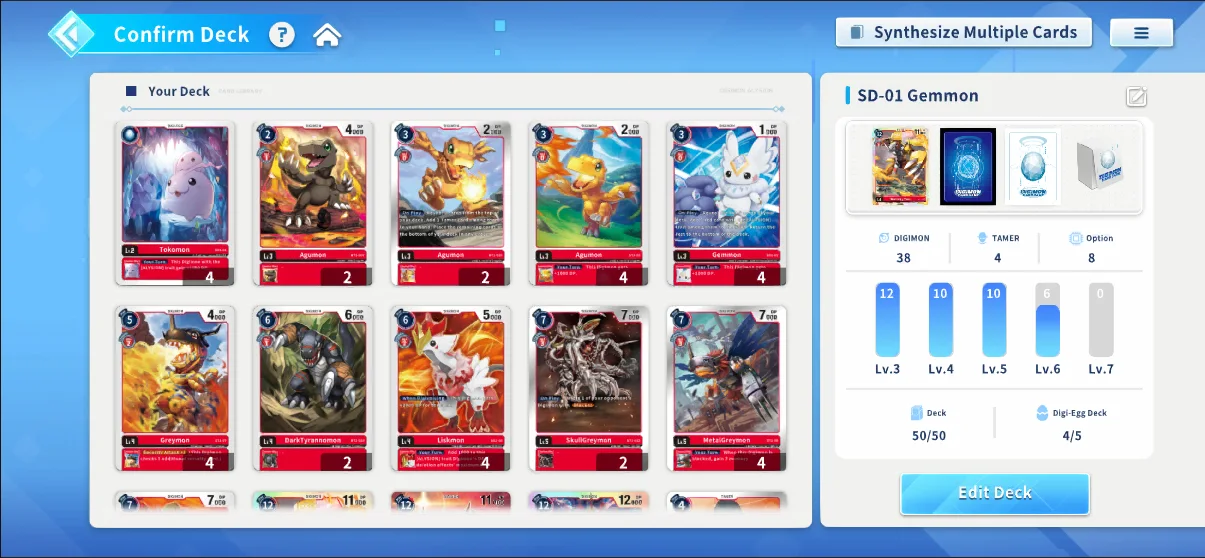
This screen is where you create and manage decks. You can also select, view, edit, and delete created decks.
This is where you can check your decks. You can confirm the effects of a card by selecting it. Plus, you can view the stats from the bar on the right and edit accessories by pressing the cardback icon at the top.
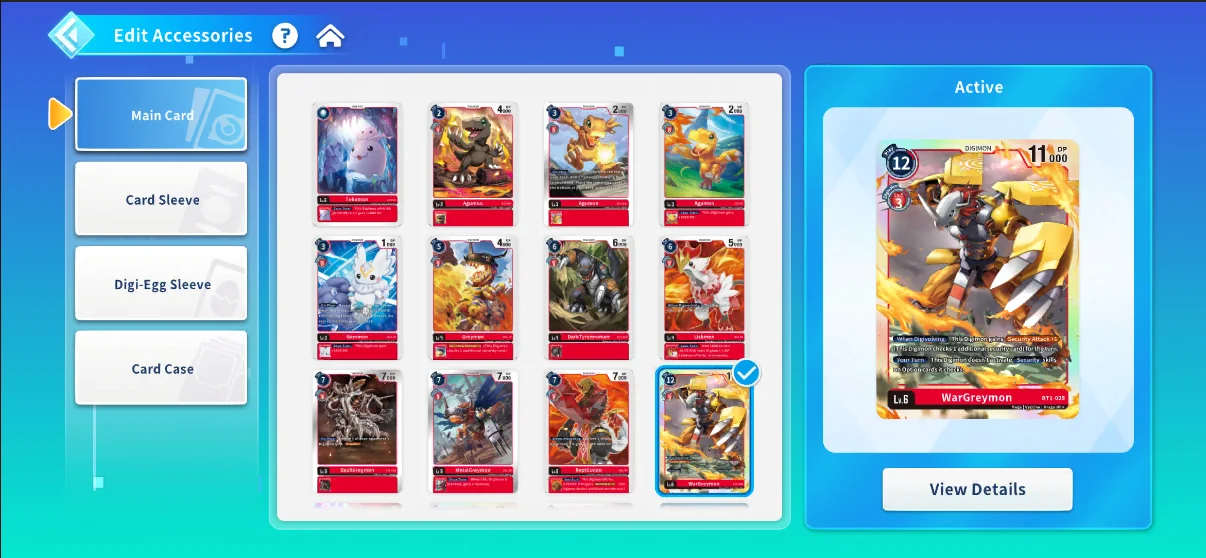
Edit accessories to change the material of main cards, card sleeves, Digi-Egg sleeves, and card cases. Choose your favorite combinations and create your very own deck! But be careful, only cards in your deck can be used as main cards!
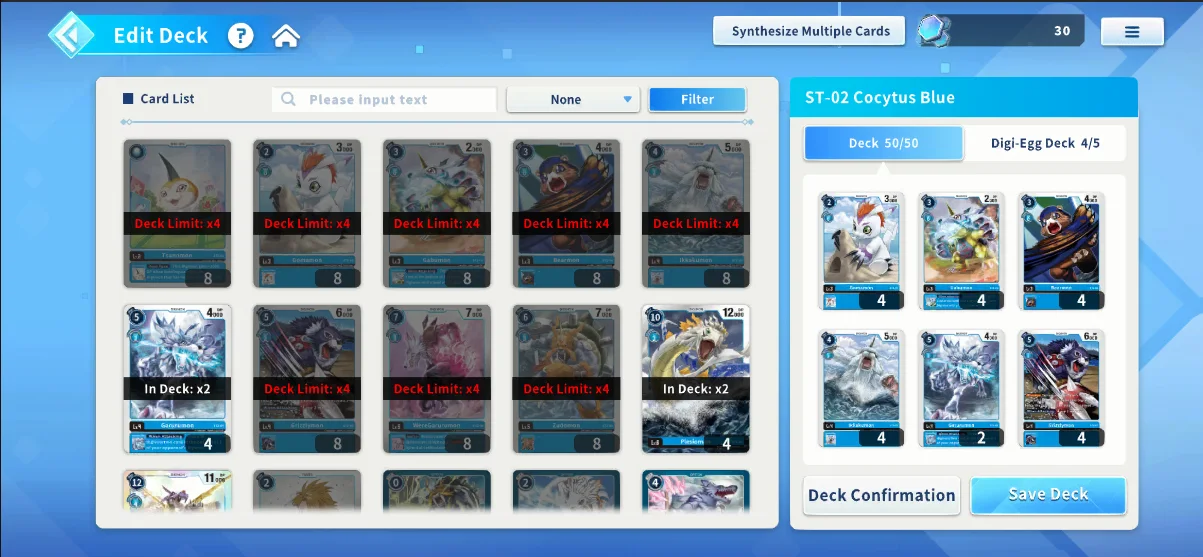
Editing Decks
This is where you create and edit your decks. You can also tap cards to add or remove them from your deck. Each main deck has exactly 50 cards that consists of Digimon, Tamer and Option cards, whereas Digi-Egg decks can only have 0-5 Digi-Egg cards. Both decks can only have 4 copies of a card with the same number, but you must also follow the rules prohibiting and restricting certain cards. Construct your own deck and aim to become a Master-level Tamer!
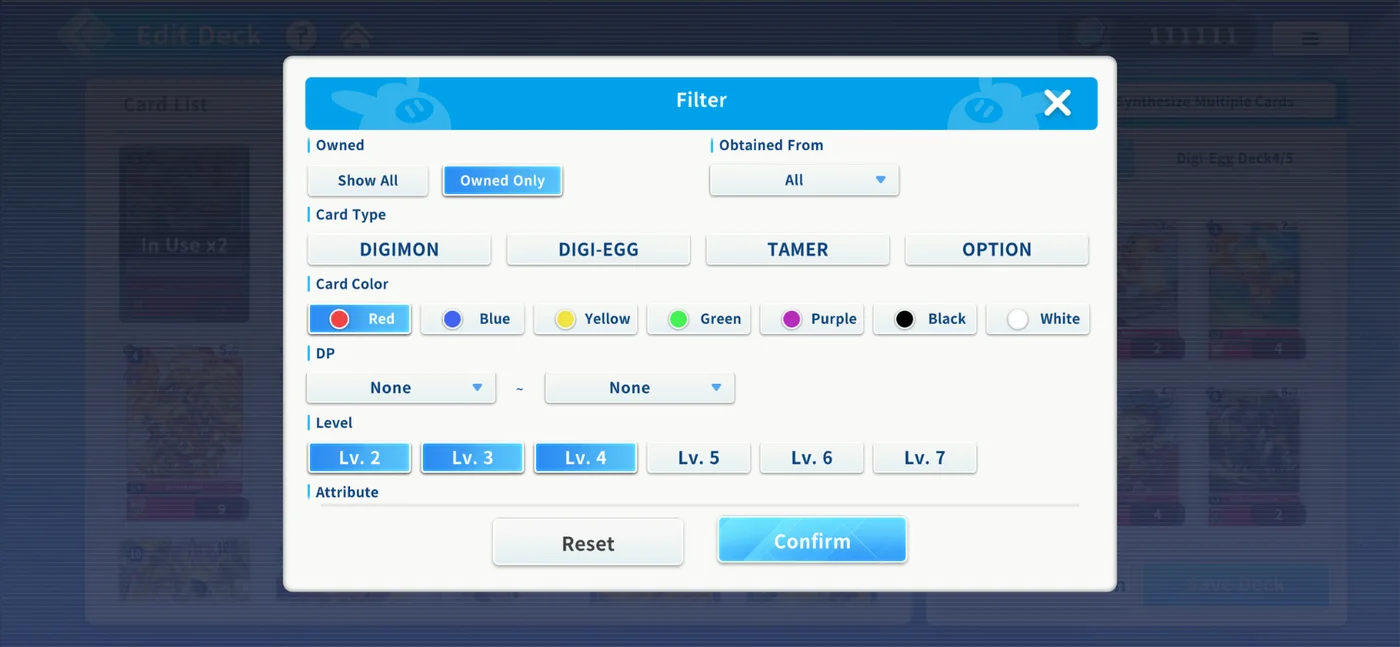
Tapping and holding a card will display its effect and can also be used to toggle between its rarities. Apply filters to quickly find the card you're looking for. You can even check the "Show All" option at the top to display unowned cards.
You can fuse, disassemble, and process cards in Card Details. Obtain cards by using Craft Points to fuse. If 4 or more copies of the same card have been disassembled, you can convert the card to Craft Points. Use Premium Chips to process cards into their Shiny design, or Upgrade Chips to process them into their Alt-Art version.
Card Packs
This is where you open card packs and collect cards. You can also check pack content, rarities, and drop rates. DigiGems, Coins, and Card Pack Tickets can be used to open packs and obtain cards.
Shop
This is where you can purchase Card Pack Tickets, Deck Mission Unlock Keys, DigiGems, and various other items. Certain products are only available for a limited time or have a purchasing limit, and the Shop is updated regularly.
Battle Pass
On this screen, you can complete Battle Pass missions, level up your Battle Pass, and receive amazing rewards! You can also see how much time is left on your Battle Pass, the amount of EXP, and any available rewards. The Battle Pass is periodically updated, so be sure to claim all rewards before it ends!
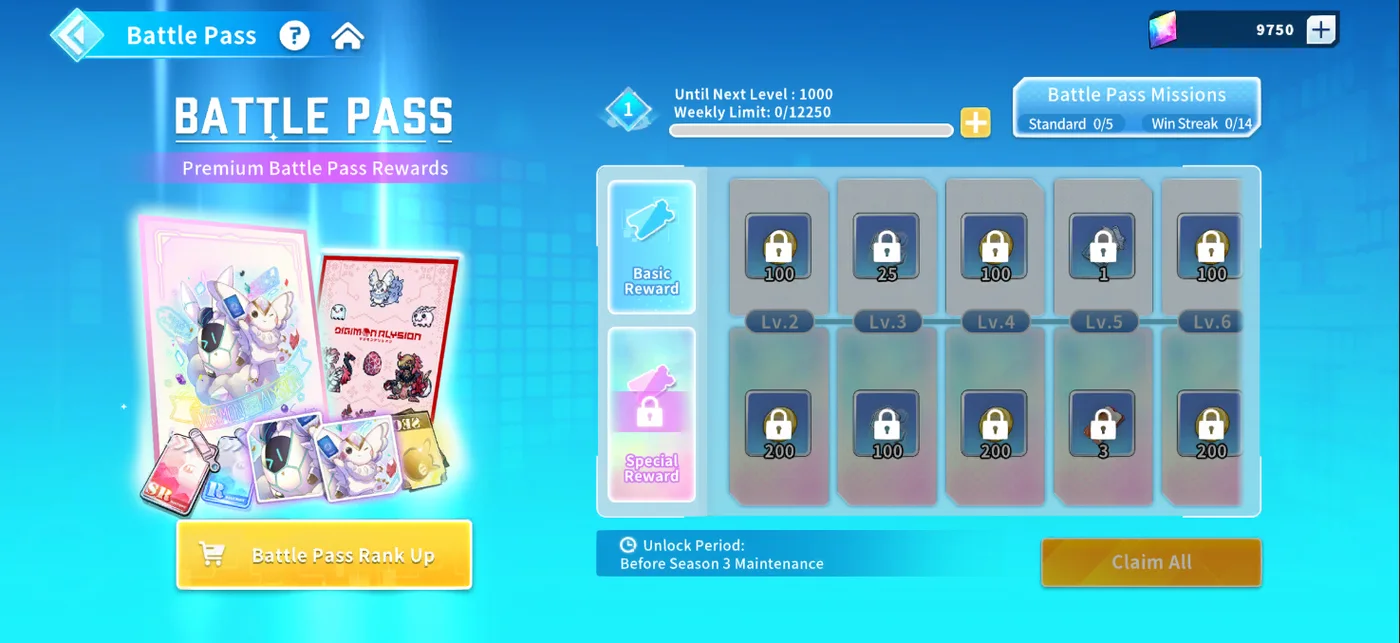
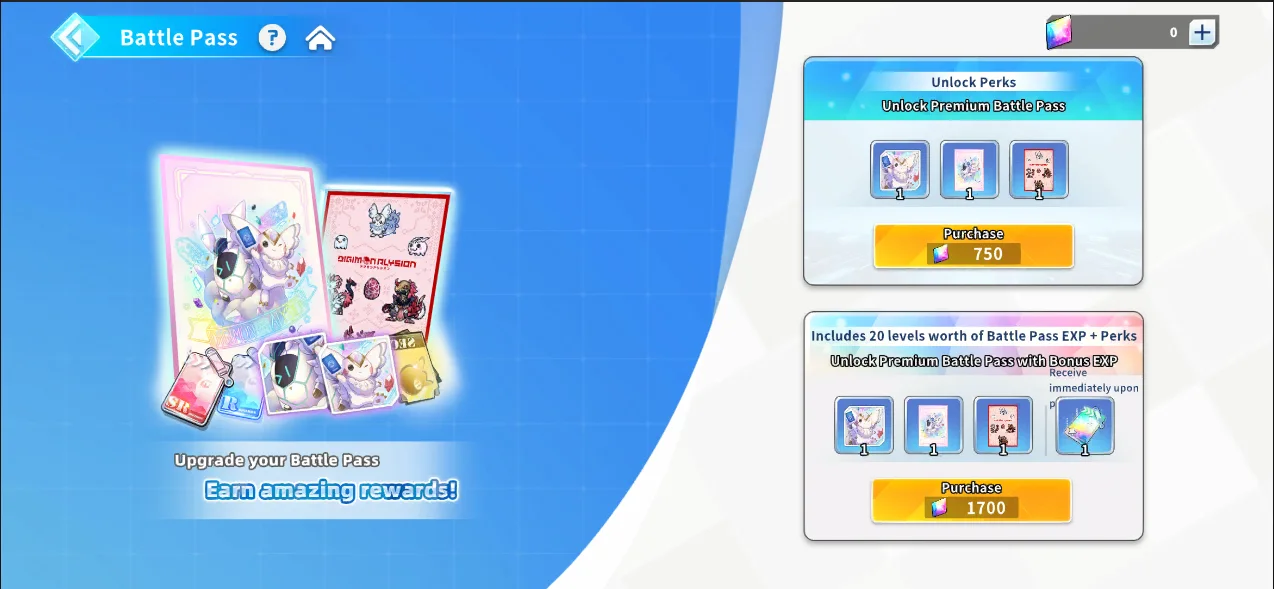
When you complete Battle Pass exclusive missions, you earn Battle Pass EXP. When your Battle Pass level increases, you will receive rewards for the corresponding level. Unlock the Premium Battle Pass to earn even more rewards! You can also purchase Battle Pass EXP using DigiGems.
Battle
1. Info Area: The number of cards remaining in the Digi-Egg deck, hand, deck, and Trash are displayed in that order. 2. Security Stack: An icon and remaining cards in security stacks are displayed. 3. Hand: Info about your hand is displayed.
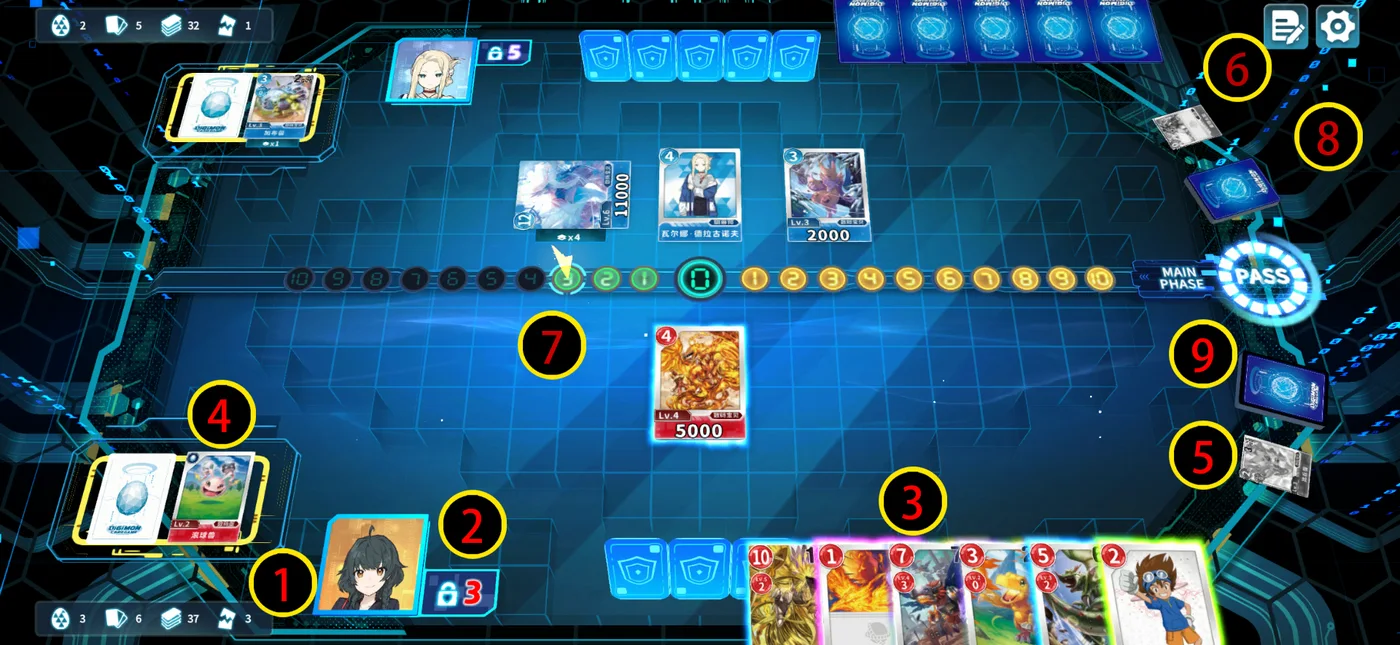
4. Breeding Area: Perform breeding-related actions here. 5. Trash: Tap to see the cards in your Trash. 6. Battle History: Allows you to view your battle history.
7. Memory Gauge: Shows how much memory you have left. 8. Settings/Surrender: Change settings or surrender to your opponent. 9. Show Phase: Shows the current phase.