






Chaos runs, training, Sortie, Trauma Codes and Ark City
Chaos Zero Nightmare game modes
Chaos Manifestation
Chaos Manifestation
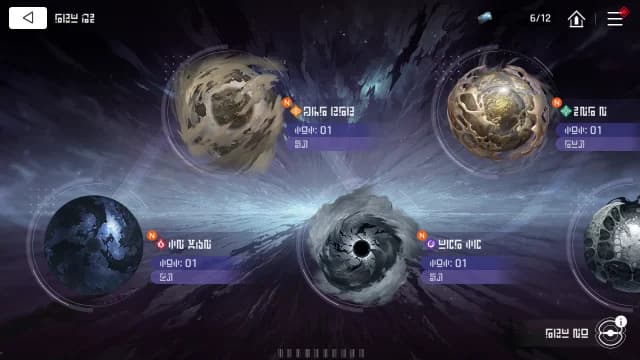
The Chaos Manifestation is a place where the Chaos you've experienced while playing the Story is recreated through the Zero System. Strengthen your Agents through the Chaos Manifestation system by going out on explorations and procuring more and more Save Data. There will be multiple difficulty levels to tackle, and when clearing each difficulty level for the first time, there will be rewards for you to receive.
Exploration
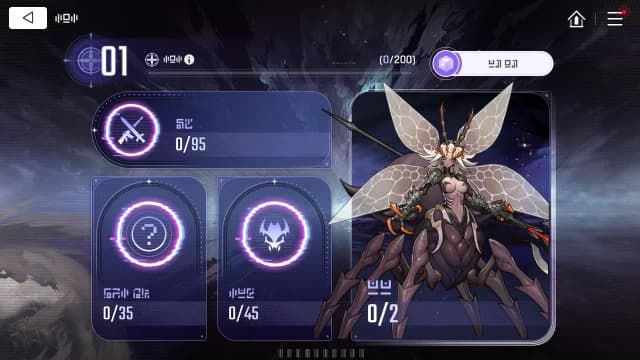
The Exploration Archive is a log that records everything you come across while exploring the Chaos Manifestation. The log will be divided into Equipment, Unidentified Areas, Monsters, and Bosses categories, and you'll receive rewards for leveling your Exploration Archive Level and completing certain thresholds of your log.
Nightmare Mode
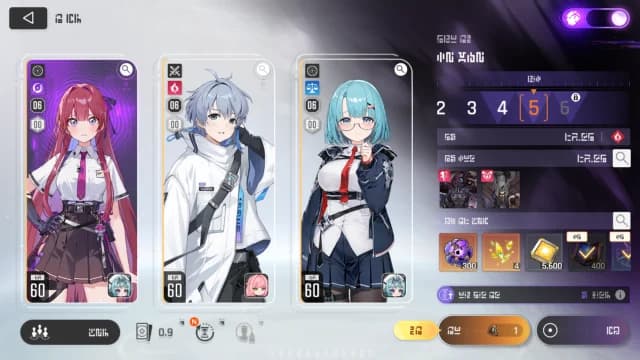
Entering Chaos with a combatant currently in a Deep Trauma state will automatically activate Nightmare Mode with enhanced penalties. Once any combatant has experienced Deep Trauma, you can toggle on Nightmare Mode at any time via the button.
Chaos Missions
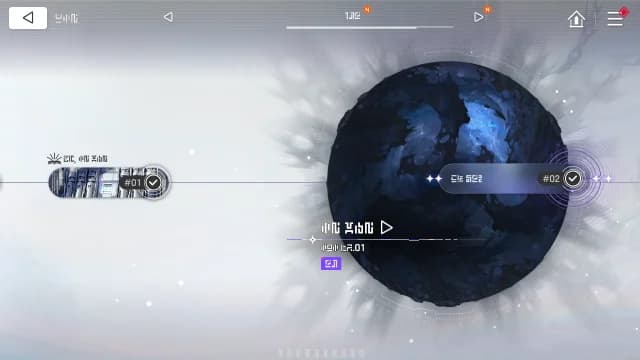
While progressing the story, you will be given the opportunity to observe the Chaos. Complete the missions assigned to you to receive the first-time clear rewards. Chaos that you've observed in this manner can be registered to Chaos Manifestation and explored separately.
Zero System
Zero System
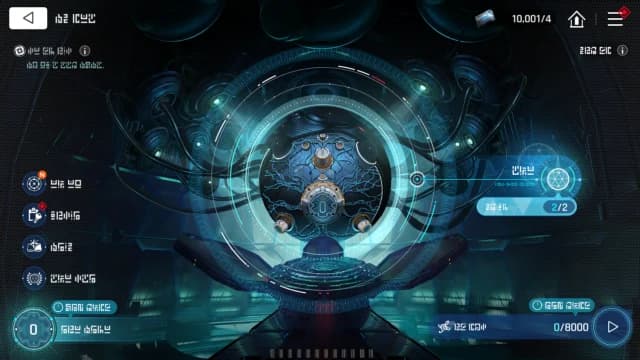
The Zero System is a highly advanced system that humanity developed to combat the Chaos. It can identify singularity coordinates from the Codices you obtain from the Chaos and open up a gateway for you to enter a Chaos set in its own unique space-time.
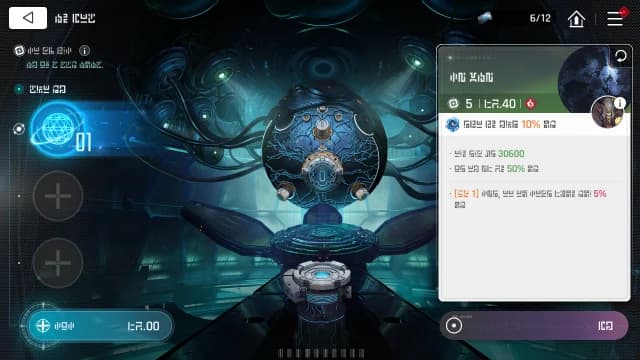
Codex
The Codex is a material that records Chaos singularities and be used to create a Chaos with unique phenomena not commonly found in regular Chaos. Chaos created from Codices have more penalties than that of normal Chaos, but will offer corresponding rewards in exchange.
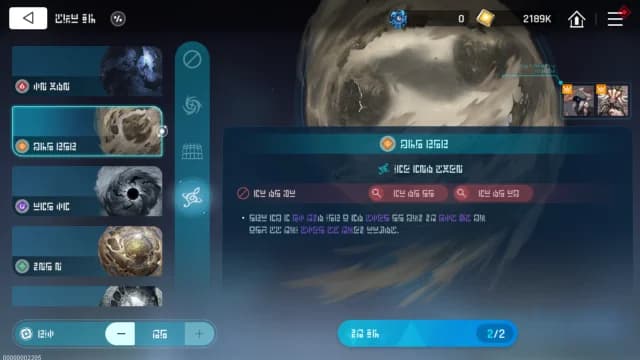
Codex Merging/Remerging
By using certain items, Codices can be merged or remerged. Once you've merged Codices, you will have to select one of three options which will determine the attributes of the Chaos you are about to create. The higher the Codex's grade, the greater the amount of materials you will need to execute this process.
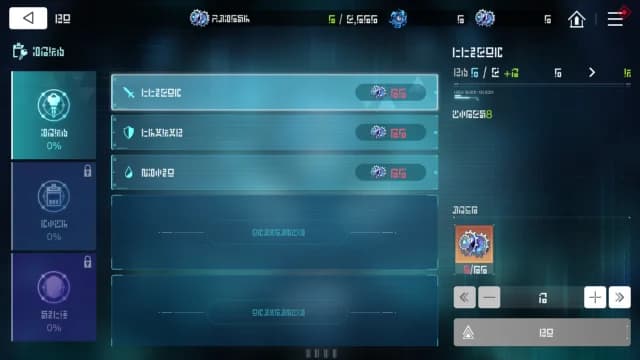
Zero System Upgrade
Chaos Architects can be consumed to upgrade the Zero System's functions. Capitalize on upgrades to traverse the Chaos with optimized efficiency. The Chaos Architects you've expended can be returned to you through the reset function.
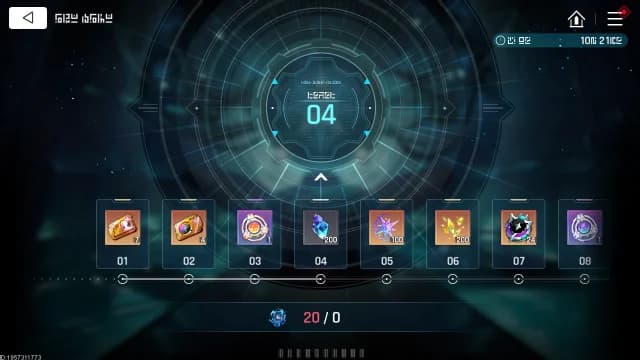
Chaos Matrix
During the season, the cumulative amount of Chaos Orbs obtained will raise the Chaos Matrix Level. Each time the Matrix Level increases, you can earn rewards.
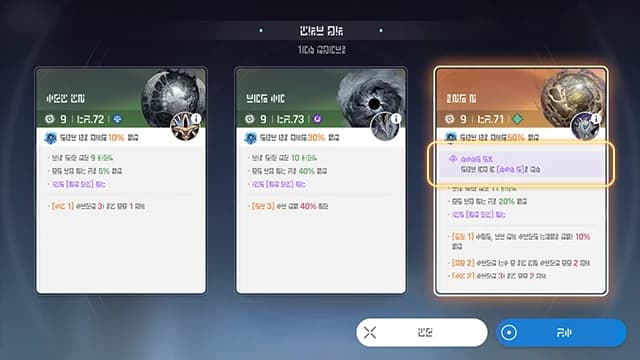
Codex Unique Option
When clearing Codex exploration or merging, a unique option may be randomly added. In Chaos with unique options, special effects are applied, such as encountering specific deities. The probability of obtaining unique options increases when merging higher-tier Codex.
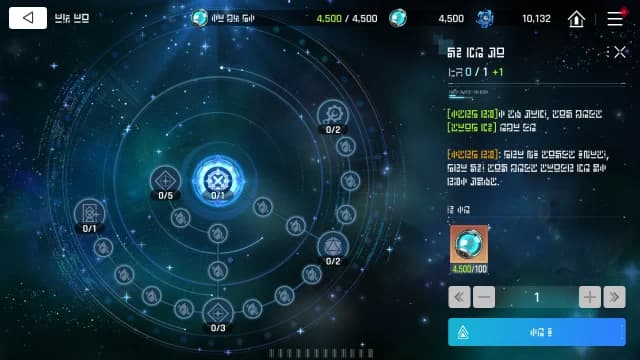
Environment Variables
The Environment Variable System becomes available during the Galactic Disaster Season. Consume a Memory of Light to upgrade the effects of environment variables implemented through the Zero System and enable more strategic exploration. You can recover consumed Memories of Light with a reset.
Combat Training and challenges
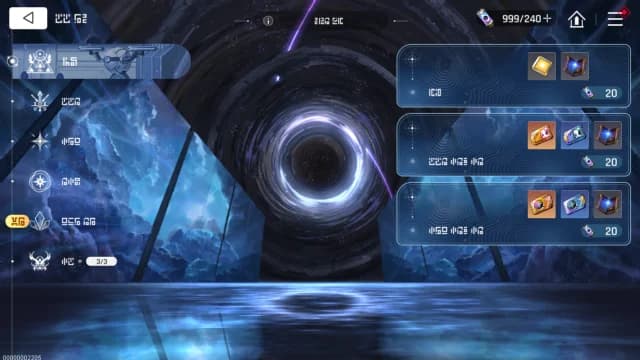
Combat Training
The Simulation is where you can use the Save Data that you've accumulated in real combat to train your Agents. Acquire Units, Agent experience materials, Potential materials, Memory Fragments, and more from Combat Training to enhance your Agents.
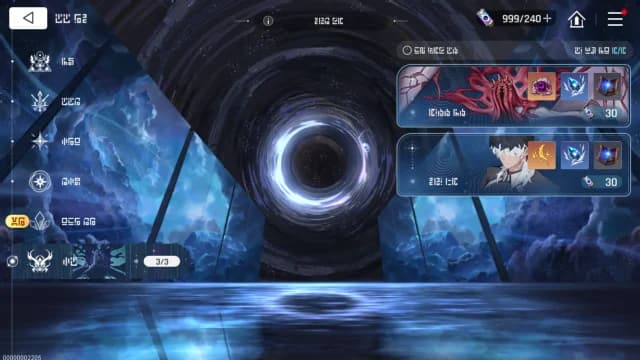
Challenges
An area for simulation training of battles against powerful boss monsters. You can receive advanced Potential materials as rewards 3 times per week.
Basin of Hyperspace
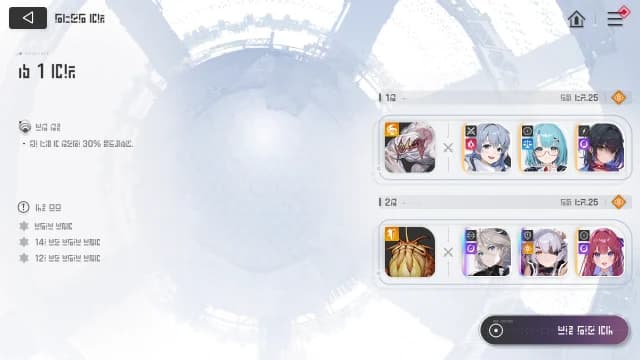
Basin of Hyperspace
The Basin of Hyperspace is a hyperdimensional data world where Agents are trained with their Save Data. Dimensional Dawn is a permanently available hyperspace, while Dimensional Twilight is a hyperspace that will be going through periodic updates to its support effects and stage content.
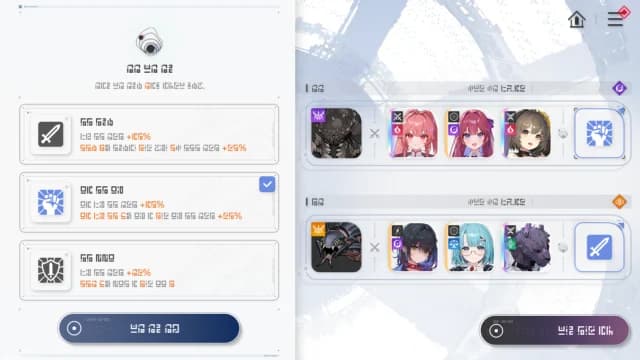
Dimensional Twilight: Support Effects
In Dimensional Twilight, you can select a Support Effect for each team. At least 1 Support Effect must be selected and these effects are changed every season.
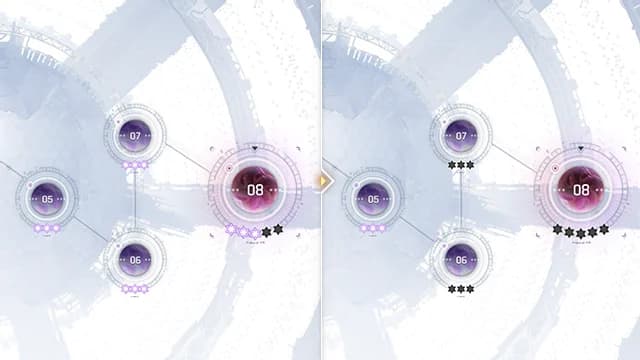
Dimensional Twilight: Dimensional Synchronization
At the end of a Dimensional Twilight season, a Dimensional Synchronization occurs. Basins will be synchronized to be 3 tiers lower than the Basins that reached an Achievement Level of 3 or higher in the previous season.
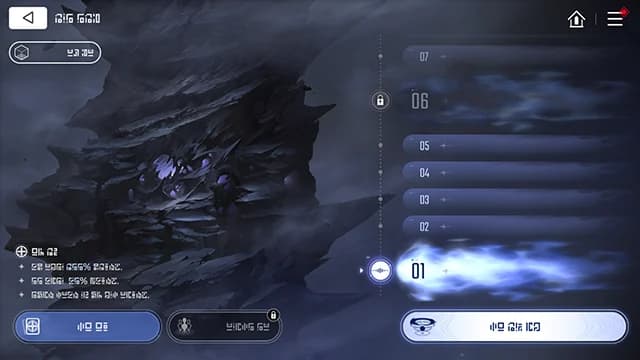
Spiral Tower of Screams
Ascend the Spiral Tower of Screams using your Save Data as you make it through the Outskirts, the Interior, and the Challenge Areas. You may challenge the Tower as many times as you'd like, but once you reach the Challenge Area, you will no longer be able to change your team formation.
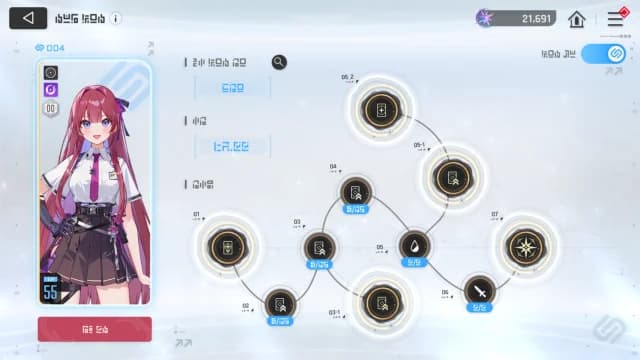
Protos Synchronization
Protos Synchronization is a system that adjusts Combatants' Stats according to synchronization stages. Synchronization Stages are unlocked sequentially based on Captain level and affect Combatants' Level and Potential. Synchronizing Combatants receive Synchronization Effects in all content.
Sortie and offensives
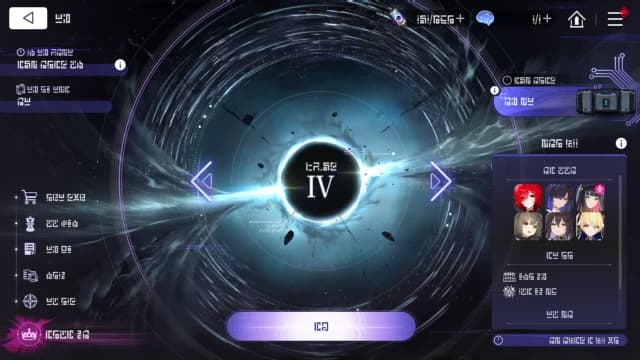
Sortie
In Sortie, you will enter a Chaos with 1 Combatant and will be able to select other Combatants to join you as you progress the mode. Memory Fragment effects will not be applicable in Sortie. Combatant Potential effects that require a certain stat threshold will be active regardless of their activation conditions.
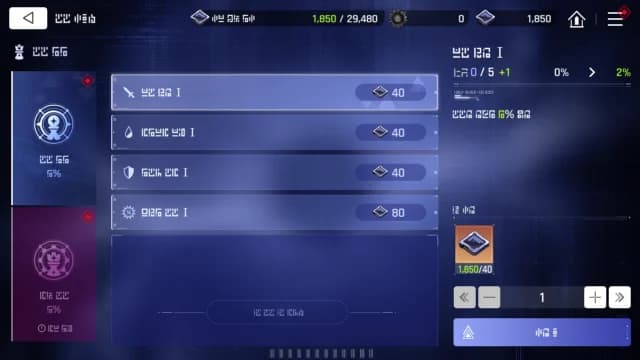
Tactical Optimization
You can consume Tactical Data to activate Tactics. Effects that you've acquired through this method will only apply within Sortie. You may use Black Mass to reset your choices and all the Black Mass that was used up to this point will be refunded.
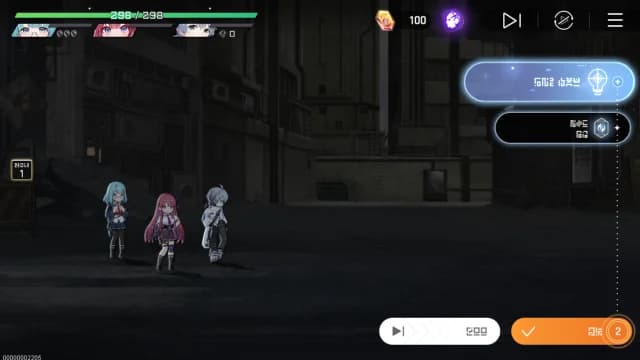
Command Delegation
You can use Command Delegation Modules to proceed with Delegations. Delegation will only be enabled for Chaos that have been cleared at least once. During Delegations, combat phases will be drastically shortened as you proceed through a Chaos. Reward selections and Unidentified Area selections will still require manual input.
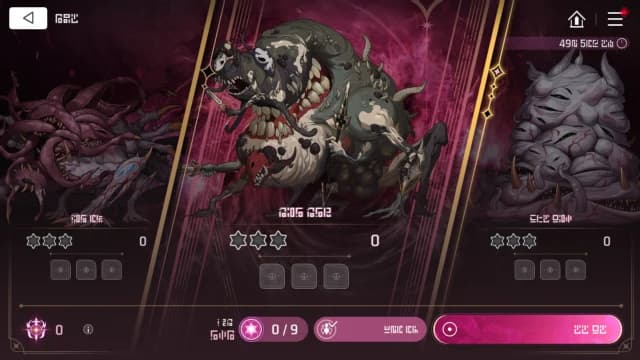
Full-Scale Offensive
Full-Scale Offensive is a mode where you make use of Save Data that you've already constructed. When progressing through battles in Full-Scale Offensive, the Combatants you've assigned to one battle will be fixed to that battle. Combatants who are fixed in this manner will be unavailable for other battles and can only be changed by performing a full reset or individual reset.
Trauma Code
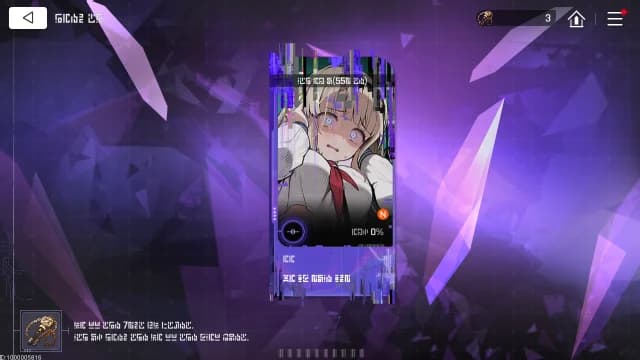
Trauma Code
Special Security Codes can be used to unlock a Combatant's Trauma Code. As the Captain, you can check on your Combatant's traumas and experience together how they overcome them.
Ark City
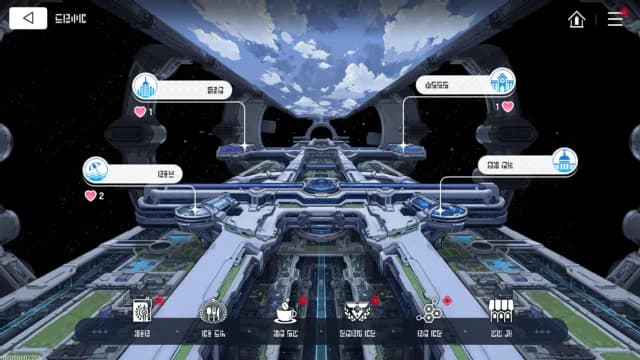
Ark City
Ark City is a vast metropolis built on the SS Nightmare, where Agents and numerous citizens go about their daily lives. The Captain serves as the leader responsible for managing and developing Ark City.
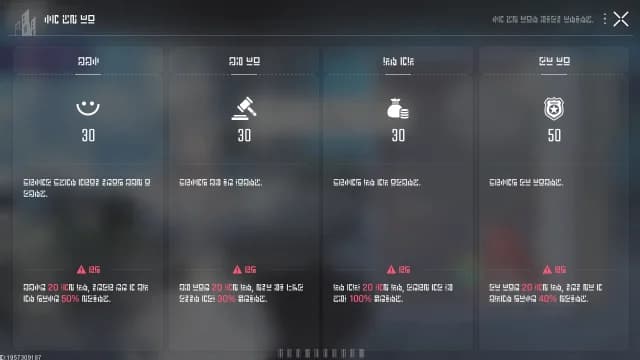
City Management Index
Ark City has four City Management Indices that are affected by Policies. Each individual Index has its own unique effects that influence how Ark City will develop. It is strongly advised to manage the Indices strategically to ensure that Ark City operates effectively.
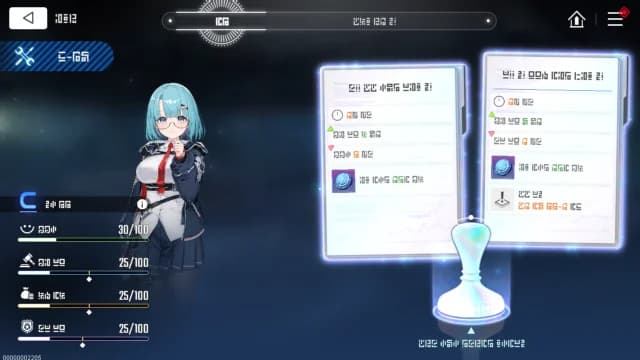
Policy
Each aide will more frequently propose policies specialized in city management indices. When you approve a policy, the city management indices change according to the outcome of that policy, and the Time Remaining Until Disaster decreases.
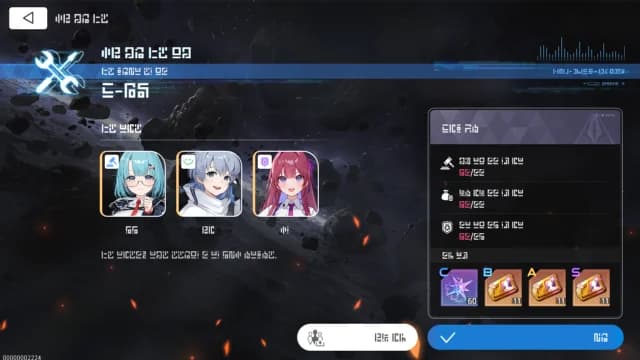
Disaster Preparedness Project
In the Policy Office, you can start the [Disaster Preparedness Project] to protect Ark City from potential disasters. To begin, you must first set your objectives and then appoint 3 combatants as aides.
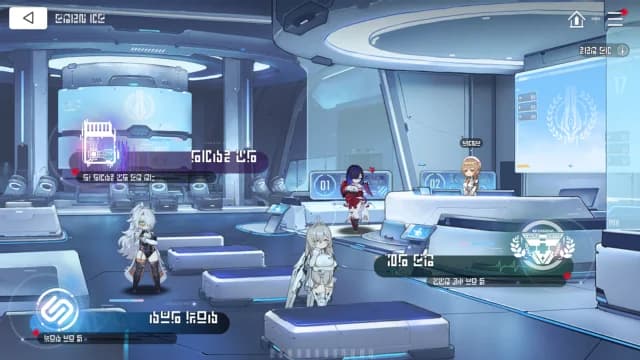
Epione Center
The Epione Center is a medical center focused on treating Agents' mental health. Tend to your Agents through Psychotherapy, and consult the Trauma Code to get a deeper understanding of your comrades.
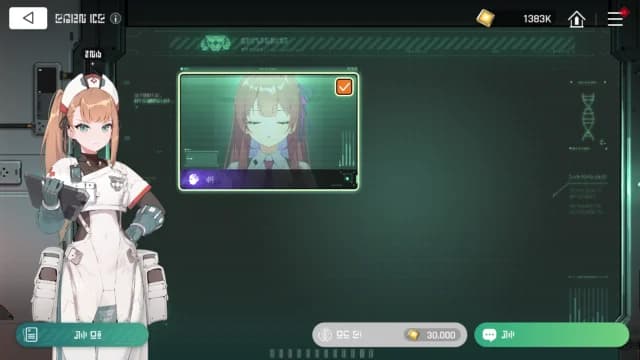
Psychotherapy
Agents in Deep Trauma state will be transferred to the Epione Center for recovery. At the Epione Center, you can proceed with Counseling or Memory Erasure to treat an agent's Deep Trauma state.
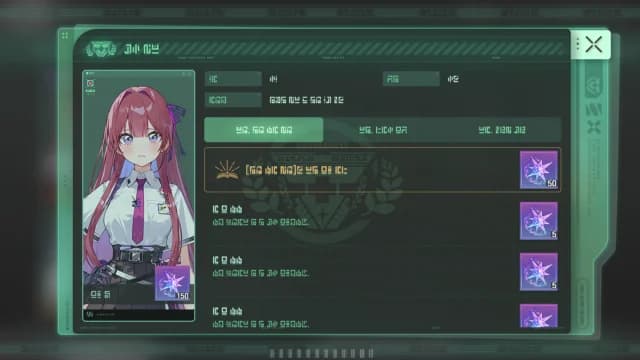
Counseling Records
Look to the Counseling Records to check up on the various traumas that your Agents have experienced. Assist in treating your Agents of their assorted ailments, and receive due consolation for your service.
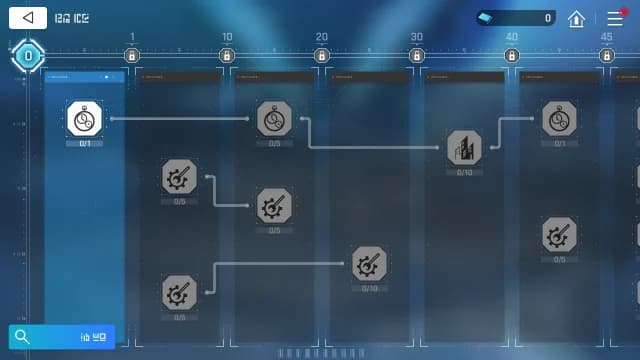
Research Facility
Through research, you can improve on various services within Ark City and even unlock new abilities as the Captain.
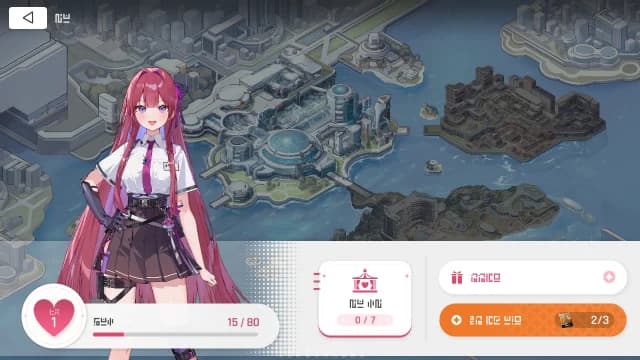
Excursion
You can spend time with the Agents throughout Ark City. The Agents who go on Excursions with the Captain will have their Affinity increased. Stories viewed during Excursions with Agents can be rewatched from the Collection. The Agents that appear and their location change each time you visit Ark City.
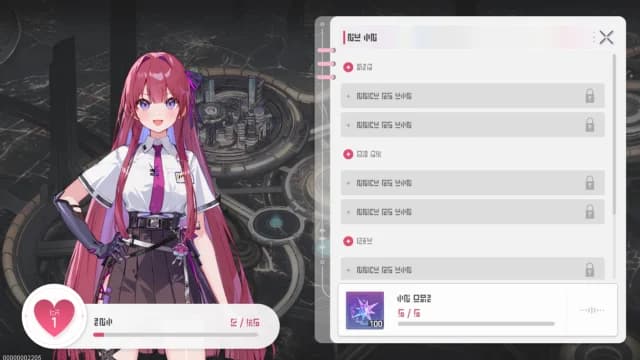
Excursion Collection
You can view the stories from your Excursions with Agents. You can also receive rewards as you complete the Collection.
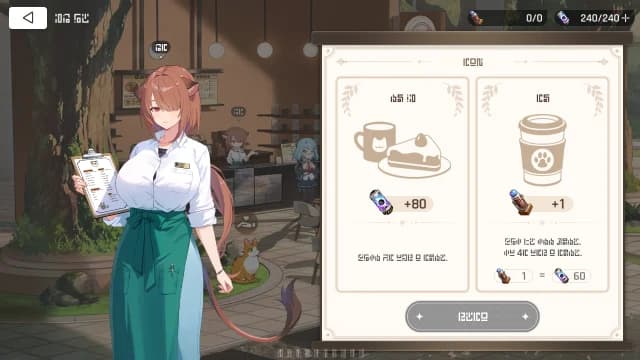
Garden Cafe
The Garden Café is one of Ark City's most popular spots and home to the four adorable mascot cats. Here, you can order one drink a day, which you can use for recharging Aether.
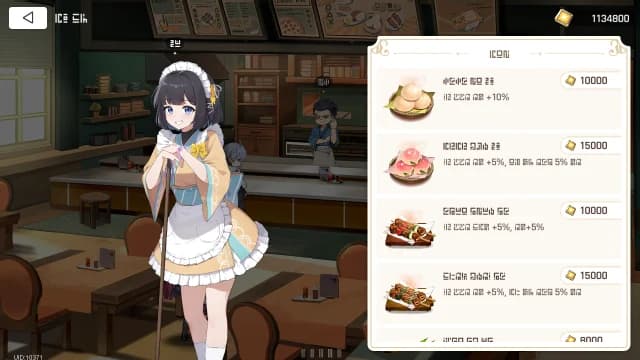
Starshine Diner
Dining at the Starshine Diner will grant you a buff that will last a period of time. The buff you receive will depend on the menu you choose, and you can see the effects of the buff from menu or from your team formation screen.
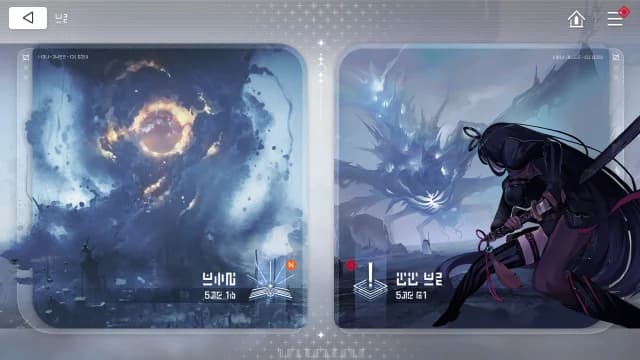
Missions
Missions are the core content to the game's progression. Progress the Story Missions to keep up with the main story, as you explore the Chaos and triumph in battles. Combat Missions are missions where you're tasked to exterminate enemies for rewards.
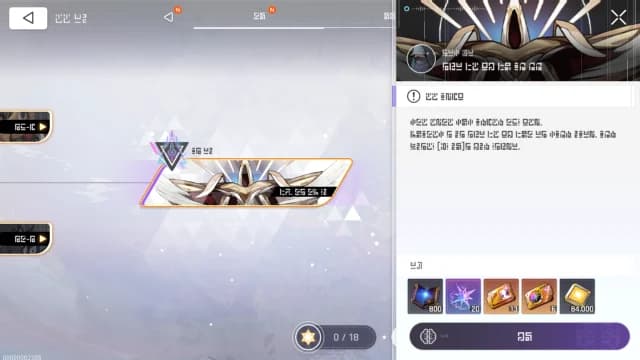
Promotion Missions
Once you've completed all Combat Missions and have reached a certain level, you can take on the Promotion Mission. Increasing your Captain Grade through promotions is crucial, as it will allow your Agents to reach higher level thresholds and unlock much more content.
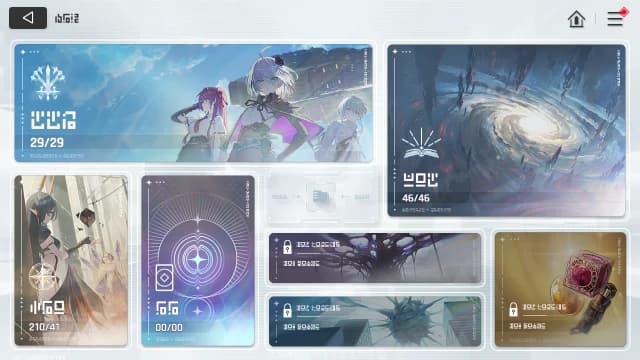
Archive
The Archive contains various information about Combatants, Partners, Cards, and lore. Some information becomes available only after meeting specific conditions.
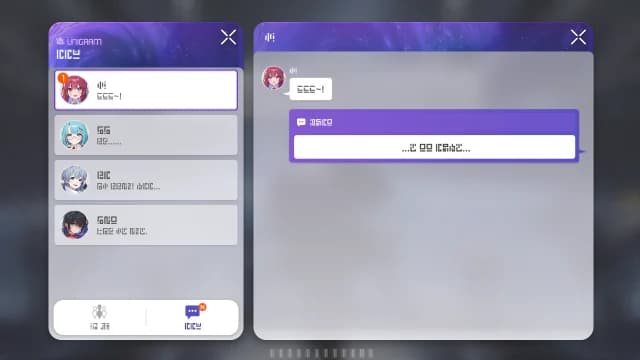
Unigram
The Unigram can be accessed from the Lobby and the Quick Menu. Combatants you Rescue for the first time will be added to your Friends List. There will be several stories for you to watch once you reach certain Affinity Levels with each Combatant.
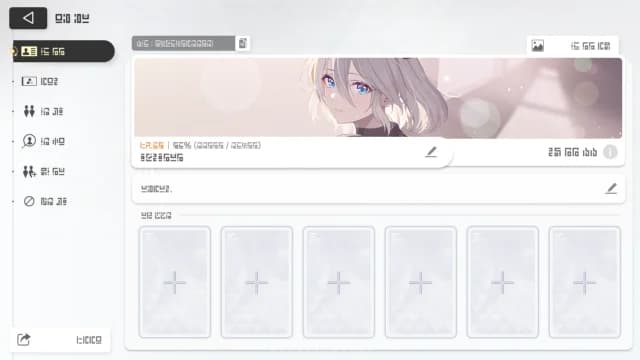
ID Card
The ID Card is a page where you can express yourself to other players. You can decorate your profile through selecting your representative Combatant and introduction.
Outfits
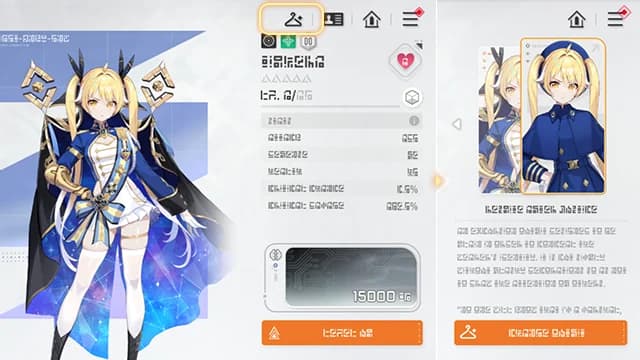
Outfits
Equip an Outfit to change the Combatant's appearance. During story scenes, characters will appear in attire appropriate to the situation rather than their currently equipped outfit.
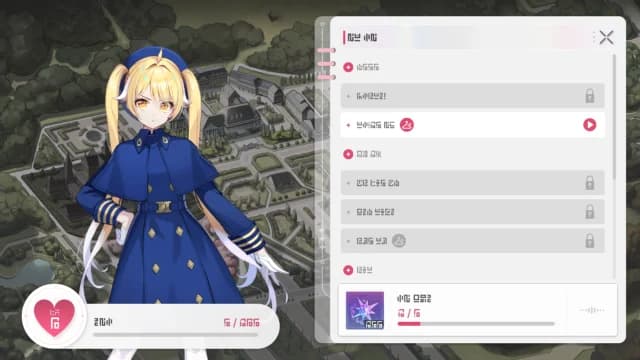
Outfit Story
When an Outfit is acquired, you can discover its exclusive Excursion story. In Outfit Stories, the Combatant will appear wearing the Outfit. Outfit Stories can be reorganized by re-entering Ark City.